How to view Claude Artifacts on iPhone
Save an artifact out of Claude, render it offline on iOS, and export it as a shareable image.
Short answer: copy the artifact's code (or download it as a file) from Claude, then open it in AI Artifact Reader on your iPhone — it renders the artifact exactly, including animations and charts, with the network blocked by default. From there you can export the whole artifact as a full-length image or PDF.
What is a Claude Artifact?
When you ask Claude to build something substantial — a report, a dashboard, an interactive demo, a knowledge card — it often answers with an Artifact: a self-contained piece of content shown in a side panel, frequently a single HTML file with embedded CSS and JavaScript. Artifacts live inside the Claude app or website; to keep one, reuse it, or share it as a clean page, you need to get it out and render it somewhere.
Step 1 — Get the artifact out of Claude
- Copy: open the artifact panel and use the copy control to copy its full code, or
- Download: on the web app, artifacts can be downloaded as a file (e.g.
page.html); save it to the Files app on iOS, or AirDrop it from your Mac.
Step 2 — Open it in AI Artifact Reader
- If you copied: open AI Artifact Reader → Paste HTML / Markdown → it renders immediately.
- If you have a file: Open Local File, or share the file from any app to AI Artifact Reader.
Dynamic artifacts work — JavaScript runs locally, so animated dashboards, counters and charts play exactly as they do inside Claude, just with zero network access. Your artifact's content never leaves the device.
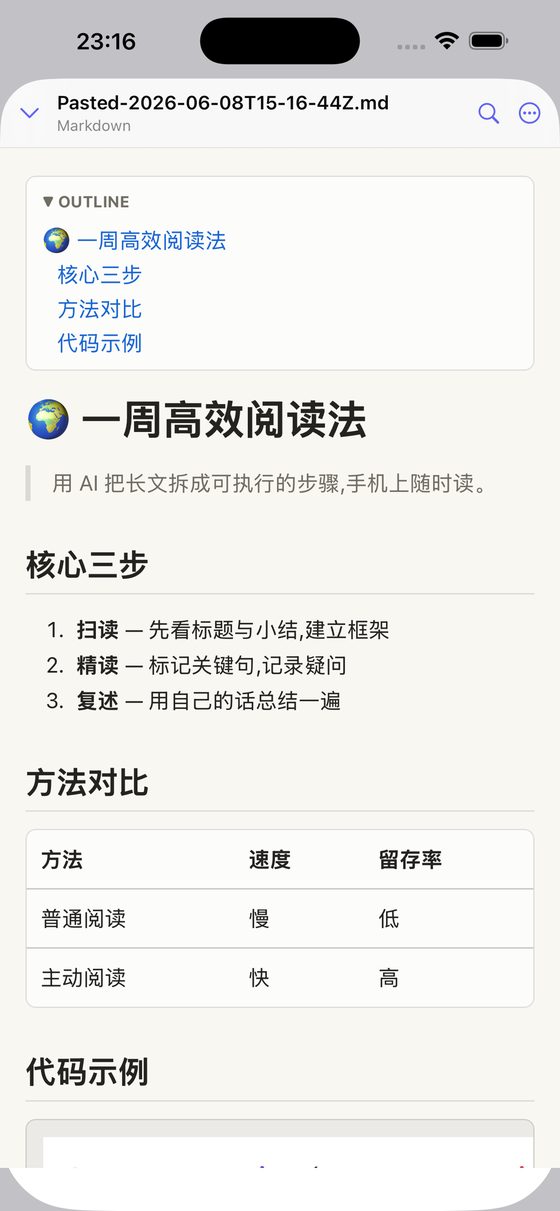
Step 3 — Keep it, and share it as an image or PDF
- Artifacts are saved in a library with folders, rename and in-document search.
- Export renders the full page as one long, crisp image (or a PDF) — ideal for posting to chats or social feeds where you can't send an HTML file.
Multi-file artifacts
If Claude gives you an artifact split into several files (HTML + CSS + JS), zip them or import the bundle — AI Artifact Reader's local multi-file server (Pro) serves them to the renderer correctly, still offline.
Privacy note: artifacts often contain personal or work content. AI Artifact Reader blocks the network by default, has no accounts and no tracking — rendering is entirely on-device. See the privacy policy.
Related
- How to view ChatGPT HTML / canvas output on iPhone
- How to open an HTML file on iPhone (3 ways)
- Full FAQ