
AI Artifact Reader
Open, render & export the HTML & Markdown your AI gives you — on iPhone & iPad, fully offline.
AI Artifact Reader is an iOS app that opens, renders and exports the HTML and Markdown artifacts generated by AI tools like ChatGPT, Claude, Gemini, Grok, Copilot, Perplexity and DeepSeek — completely offline. It renders GitHub-Flavored Markdown, code syntax highlighting, Mermaid diagrams and KaTeX math, and exports any artifact as a full-length image or PDF for sharing. The network is blocked by default, so nothing leaves your device.
Free to read & paste · Pro unlocks export & multi-file · works on iPhone & iPad
See it in action
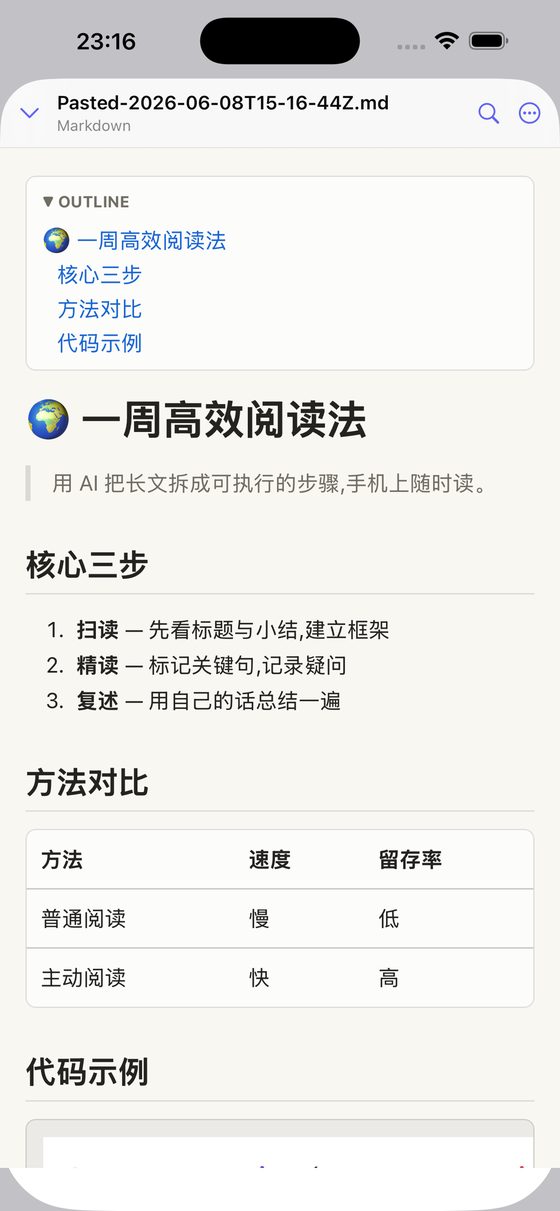
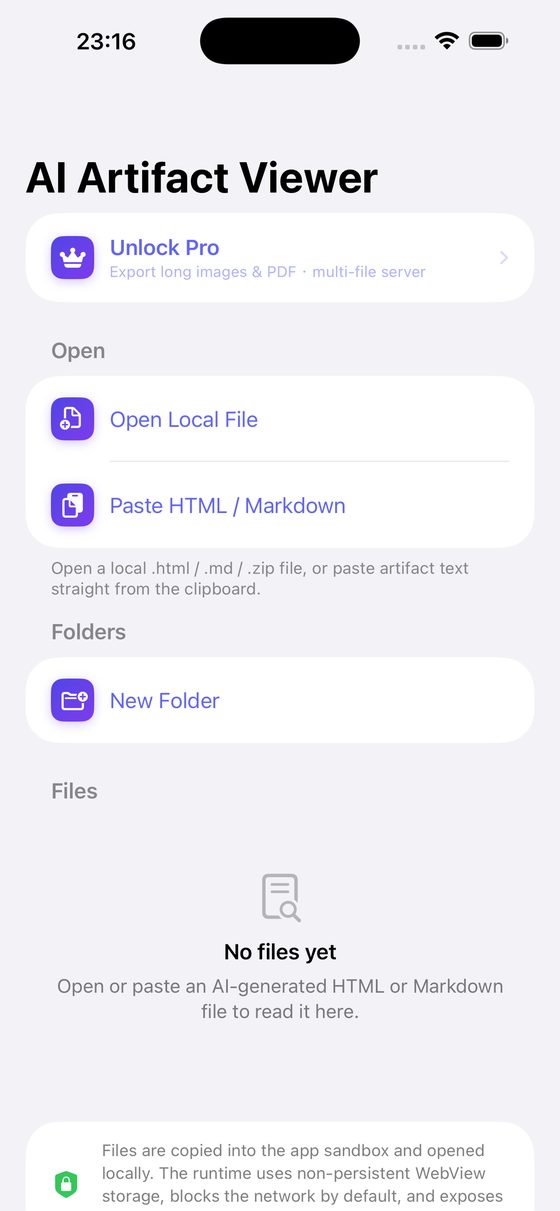
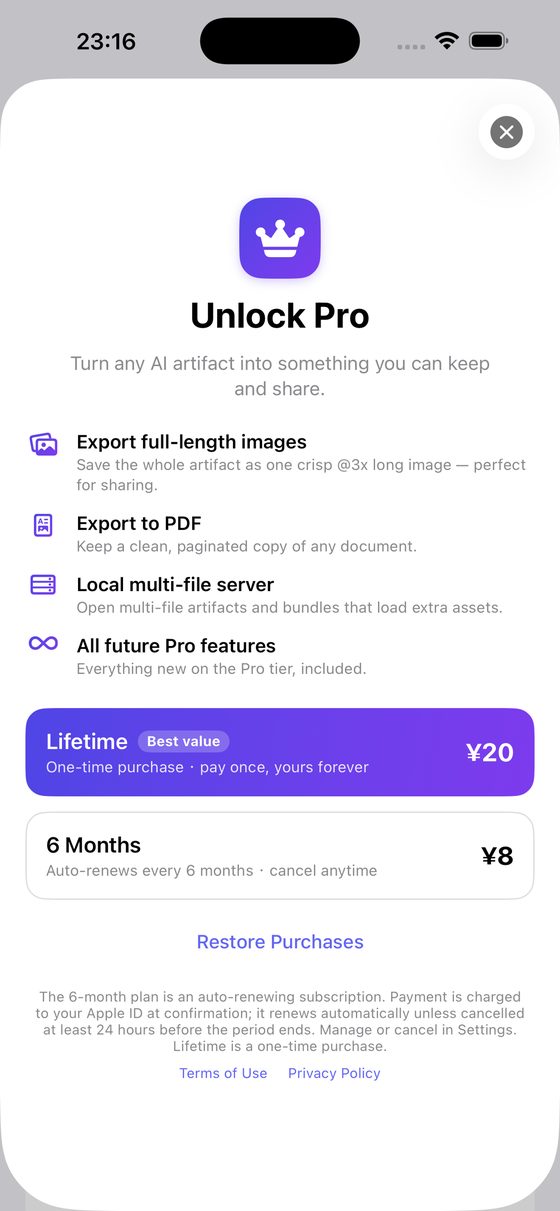
Works with the HTML & Markdown from ChatGPT, Claude, Gemini, Grok, Copilot, Perplexity, DeepSeek, Llama, Mistral, Qwen (通义千问), Doubao (豆包), Kimi and ERNIE (文心一言) — and any AI assistant or LLM.
Features
- Renders AI HTML & Markdown — GFM, code highlighting, Mermaid, KaTeX math
- Paste-to-view — copy from ChatGPT or Claude, open in one tap
- Dynamic, animated HTML renders live — charts, dashboards, interactive pages
- 100% offline & private — network blocked by default
- Folders, rename, in-document search; opens multi-file bundles & .zip
- Share-sheet import from any app; works on iPhone and iPad
- Pro: export full-length image & PDF, local multi-file server
FAQ
How do I view the HTML that ChatGPT or Claude generates on my iPhone?
Use AI Artifact Reader — paste the HTML or open the file and it renders offline, then export it as an image or PDF. Step-by-step: how to open HTML files on iPhone.
Is there an offline app to open AI-generated HTML/Markdown on iOS?
Yes — AI Artifact Reader runs fully offline; the network is blocked by default.
How can I export an AI artifact or Markdown as a long image to share?
AI Artifact Reader's Pro tier exports the whole document as one full-length image (or PDF).